Gligh: Framer Plugin
A Framer plugin that puts every glyph in a Google Font one click away.
Gligh is a glyph browser panel for Framer. I'd tried and failed to build it for more than a year. Then I stopped trying to build the plugin, built a Claude skill for building Framer plugins instead, and shipped the thing in four nights of dad time.
- Role
- Sole designer and builder
- Timeline
- Four evenings, about 6 to 8 hours total
- Stack
- Framer Plugin API, Google Fonts, a custom Claude skill for Framer plugin development
- Team
- Me and Claude
- Outcome
- Live in the Framer Marketplace, approved in 24 hours against a three-week review estimate
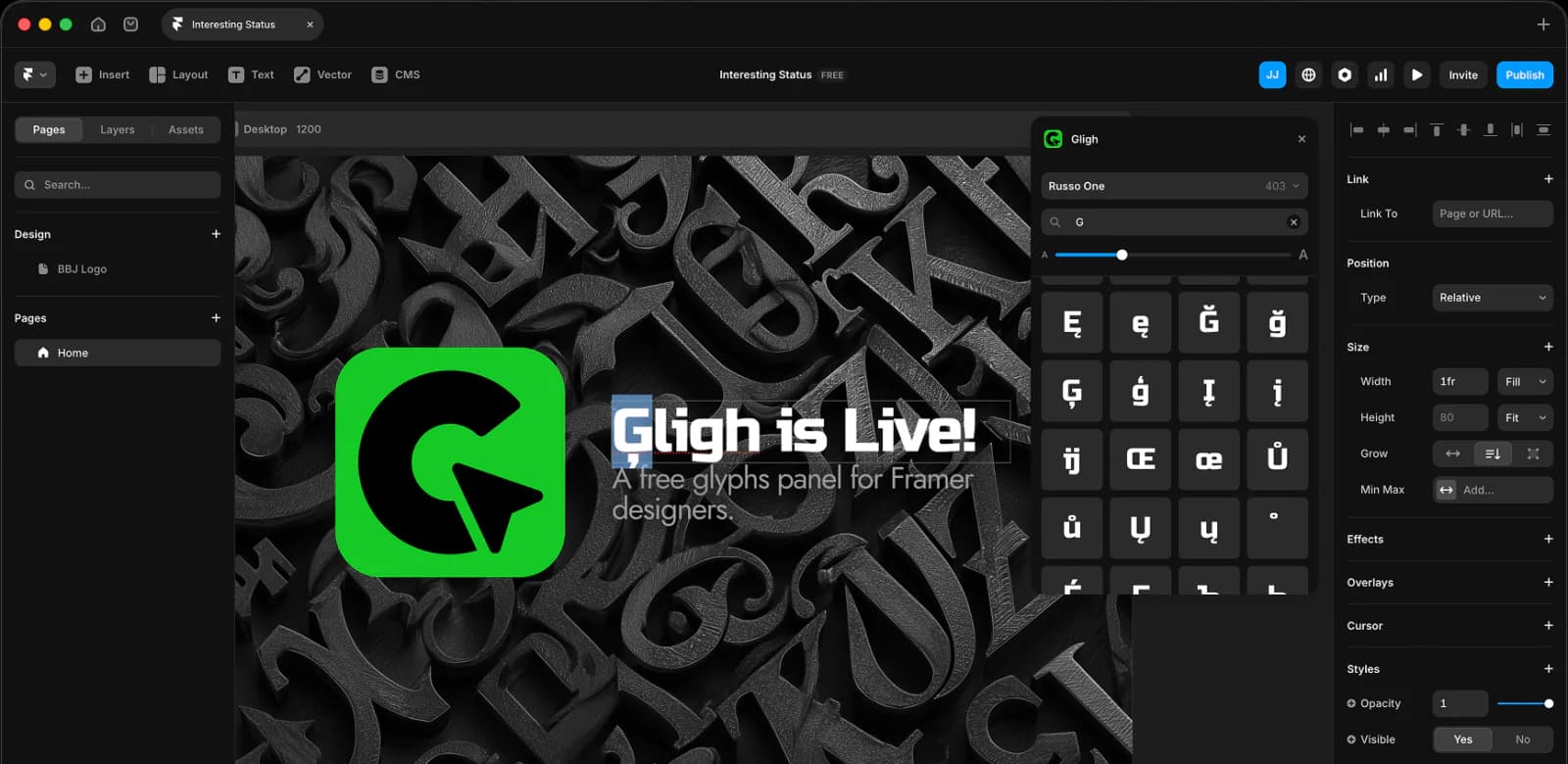
Where this started
The itch was a year old. It started in the middle of the Halo build, while I was wrestling glyphs out of FunkierBanana for the umpteenth time.
Setting type on that site meant constantly digging characters out of the display face I'd rebuilt: the alternate i and j, punctuation, anything that wasn't sitting on a standard key. Every fetch was a context switch. Open Glyphs 3, find the character, copy it, paste it back into Framer, and repeat for every headline. Illustrator and InDesign have had glyph panels for as long as I've been doing this work. Figma and Framer don't. Most modern design tools have quietly skipped it, and most of us have been quietly working around it ever since.
I sketched the plugin idea right then. I tried to build it. I couldn't.
Why I couldn't build it
Multiple attempts, multiple agents, and more than a year, and I never got as far as "hello world" on a Framer plugin.
Either the Framer plugin setup wasn't where I needed it to be, or, more honestly, I couldn't bend the agentic tools I had at the time around its specifics. I tried several different stacks in the year and a half between the Halo build and Gligh shipping. Every attempt died before the first working panel. I'd shelve it, come back a few months later with a shiny new tool, and stall again at exactly the same spot.
Building the skill first
Once Claude Code skills existed, the move was obvious. Stop trying to build the plugin, and build the skill for building the plugin.
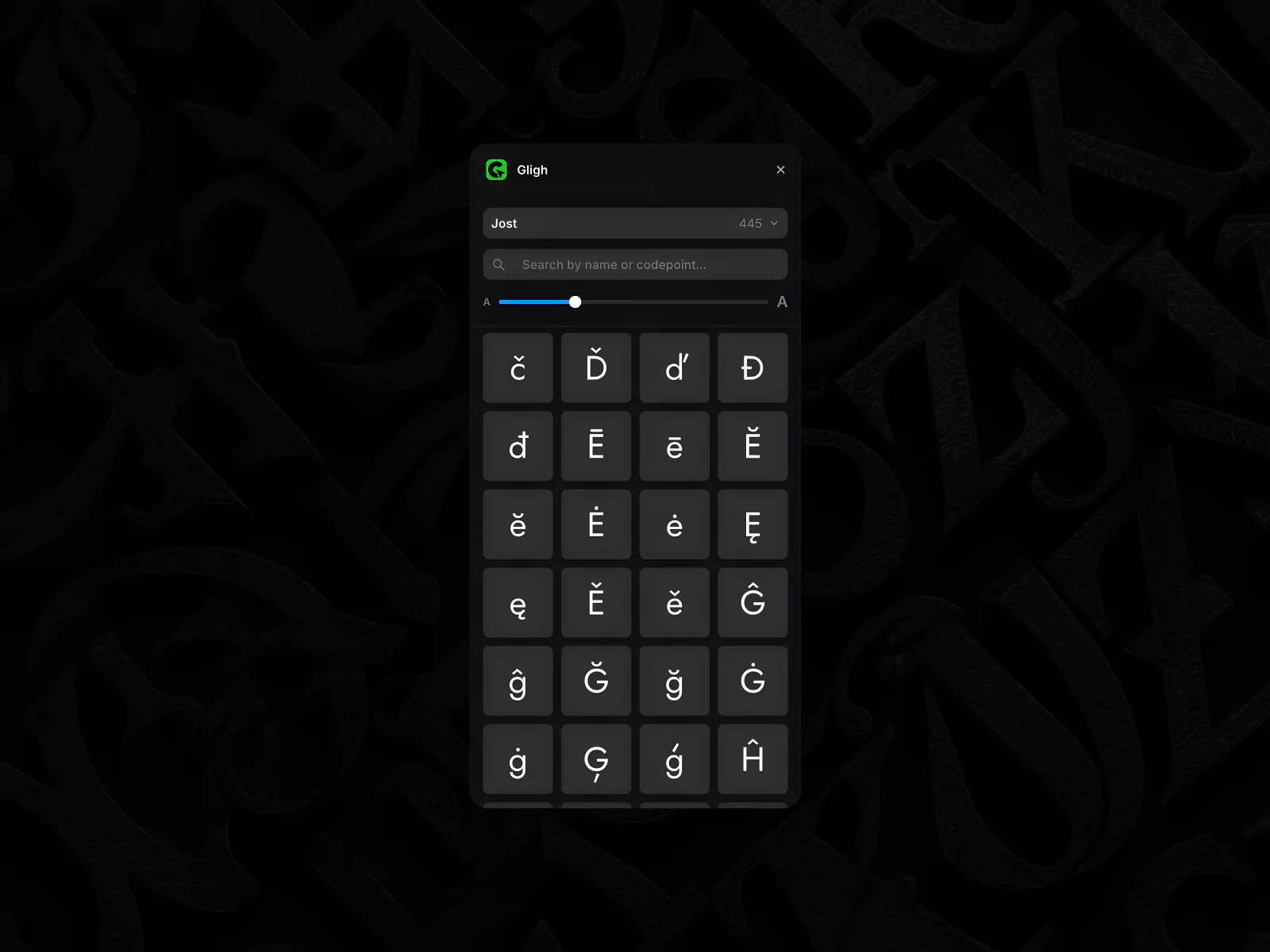
That was the real craft moment, more than the plugin itself. I spent one evening working with Claude to put together a focused Framer plugin development skill, the API surface, the dev loop, and the gotchas, packaged so Claude could pull it into any future session and act on it competently. With that in place, the plugin I'd failed to build for over a year came together in under two hours the next night. A working panel, glyph search, and click-to-copy. Hello world, and then some.
I've carried that into all the agentic work I do since. When an agent keeps stalling in a particular domain, another attempt at the task usually isn't the answer. Build the skill that lets it stop stalling, then build the thing.
Four nights, one job each
Skill one night. Prototype the next. Refine the night after. Submission prep on the fourth. Marketplace approval came back in 24 hours.
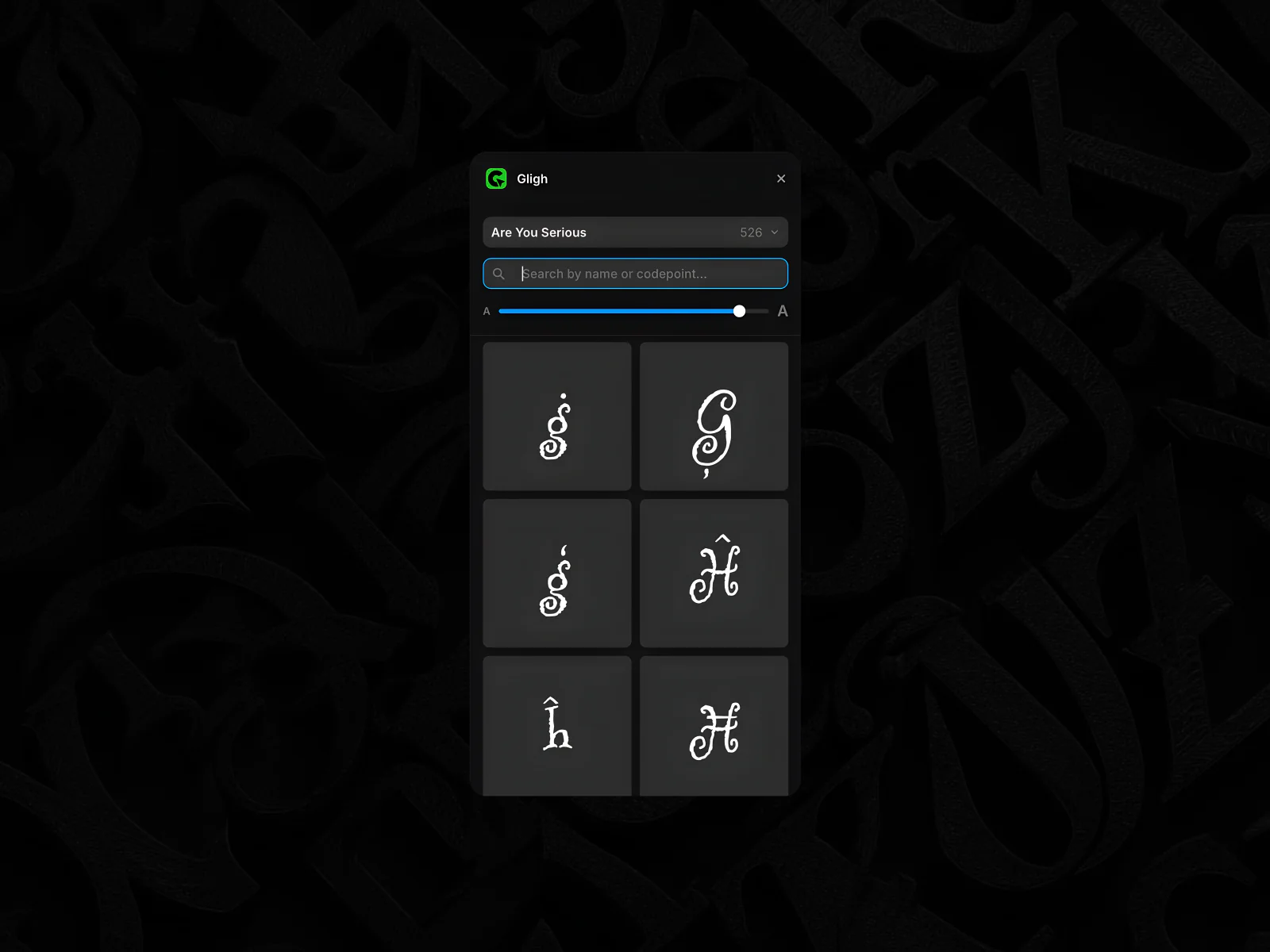
Working in separate nights with one focus each was an accidental gift of the dad-time constraint. Each night had a single job, and each one got finished cleanly. I gave submission night the same attention as the build nights. I read Framer's checklist top to bottom, followed it as written, and packaged accordingly. Framer's docs said to expect about three weeks for review. Approval came back inside a day. The submission was tidy enough that nobody needed to debate it, and it was tidy because the product was already finished and in use, which left me the whole evening to get the guidelines right on the first pass.
I'll admit I spent almost as long writing the LinkedIn post about it as I did building Gligh, mostly about what shipping a marketplace plugin taught me about Claude skills.
How it works
Click a glyph, it copies to your clipboard, and you paste. The Framer Plugin API doesn't allow inserting text directly at the cursor, so click-to-copy is the workaround. It's two steps instead of one, but you stay in control of the paste, and it's the best the platform currently allows.
Gligh also works with any font that maps to standard Unicode, not just Google Fonts. Coverage depends on how complete the font is, but it makes the plugin more useful than its listing promises.
As for the internals, Claude, with the skill loaded, went ham, and a lot of what it wrote is honestly over my head. It worked almost out of the box, so I didn't argue. I said thanks. We did real testing for load blinking and obvious performance problems, and none turned up. It works like magic. It was built like magic. As far as I'm concerned, it is magic.
About the name

I wanted Gliphy, a play on Giphy, but it was taken. So were the other obvious spellings, so I went one notch weirder. The "gh" is the same "gh" as in tough and rough, so you read it as "glife." The logo is a C with a text cursor pointing into its negative space. Together they read as a G, which is more or less what the plugin does for you.
What I took from it
Gligh fixed a typesetting annoyance I'd been carrying since Halo. Designers should have a glyph panel in their design tool, and now there's one in Framer.
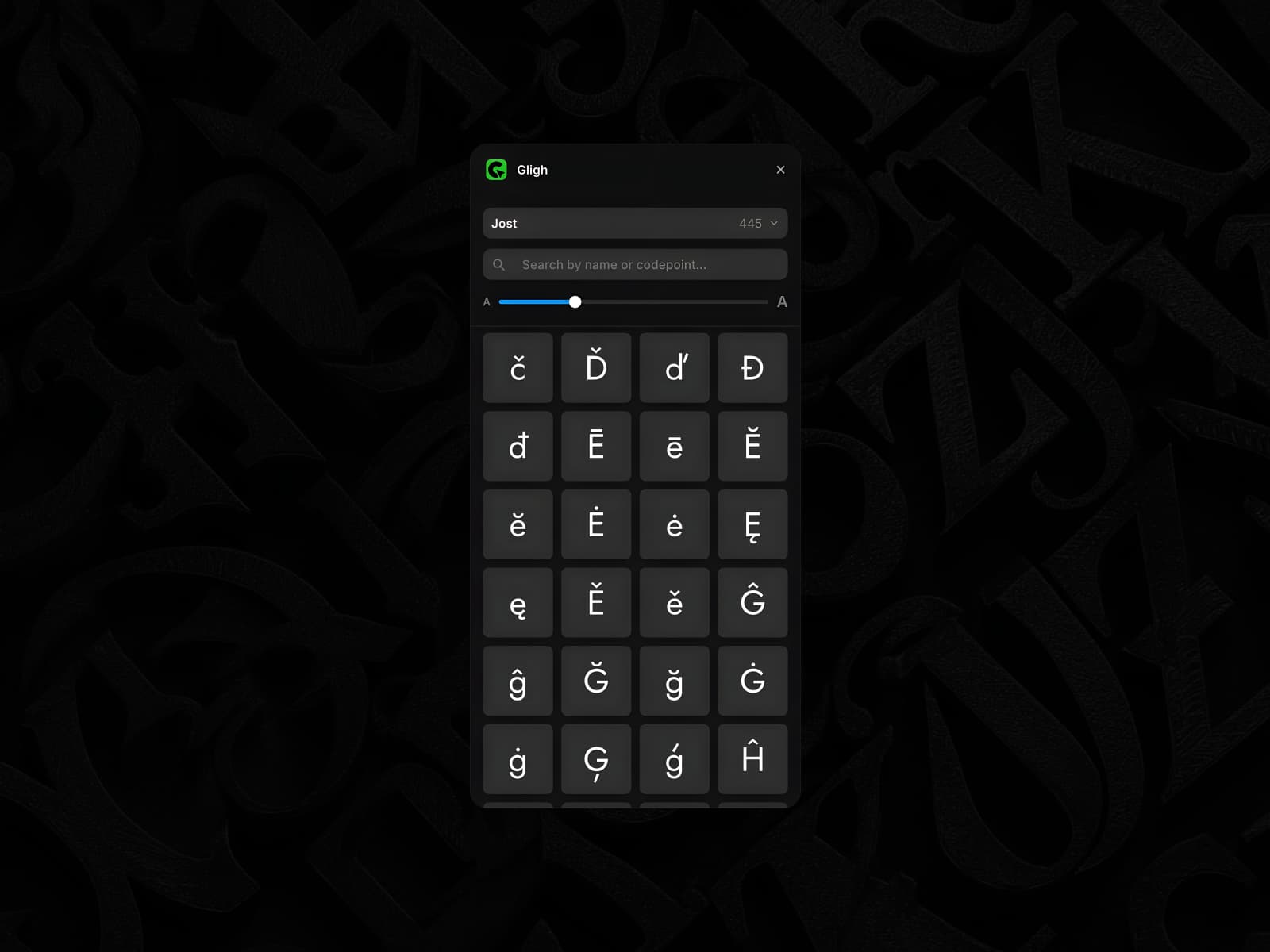 Framer MarketplaceGligh — Plugin for FramerEvery glyph, one click away — Gligh is a Framer plugin for Styles, on the Framer Marketplace. Build on it with Framer's agent, directly on the canvas.
The bigger return was the habit. Building the skill before attempting the build is now a default move for me. It's the same lesson as SMC, that code is cheap and you should drop what isn't serving you, just applied one step earlier. If the agent isn't getting traction, stop retrying the build. Build the skill, and the build becomes the easy part.